
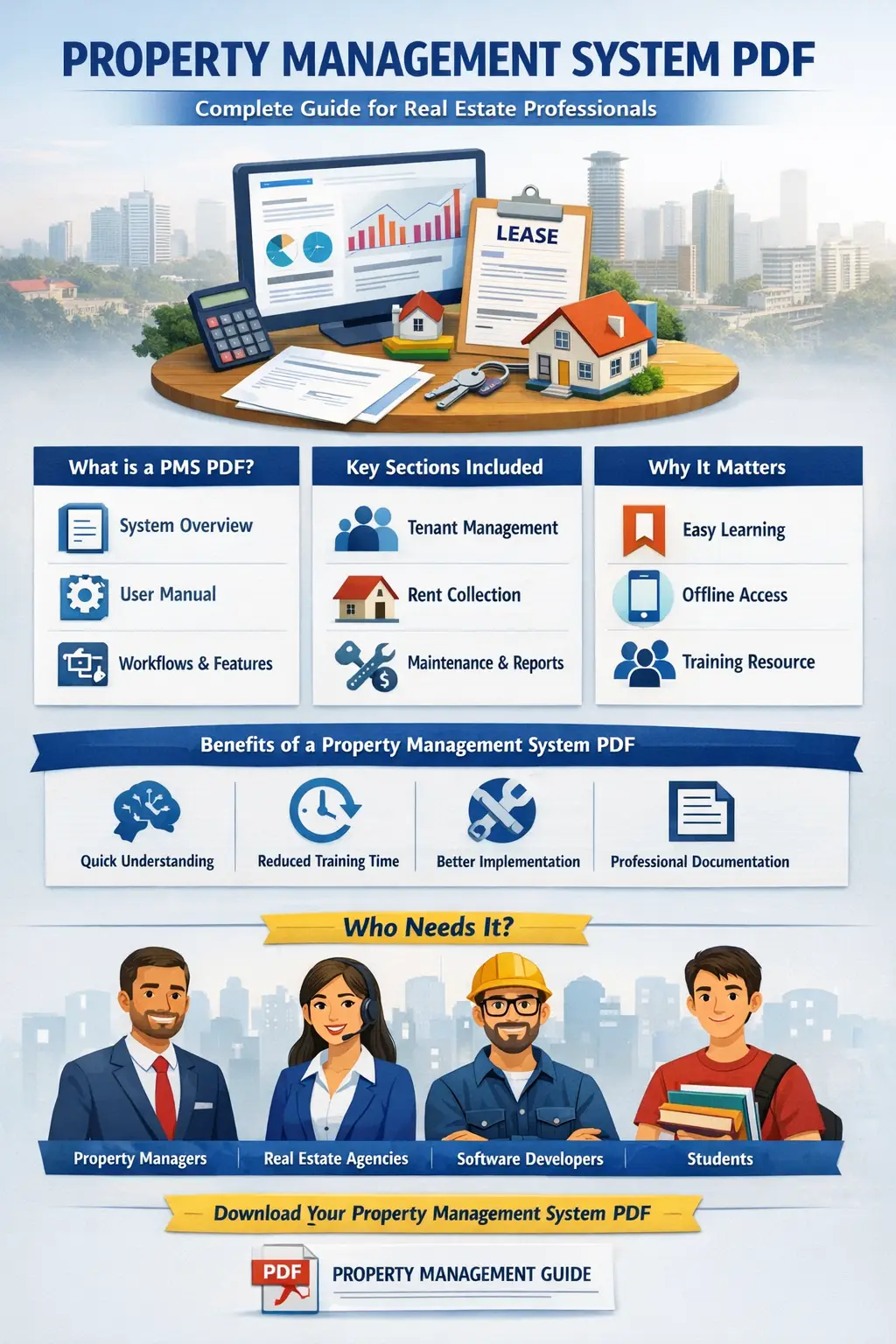
Property Management System PDF: Complete Guide for Real Estate Professionals
A Property Management System PDF is an essential resource for landlords, real estate managers, and property administrators who want a clear understanding of how property management systems work. These PDFs often include guides, tutorials, system documentation, workflow diagrams, and best practices that help users manage rental properties efficiently.
With the rapid growth of the real estate industry, especially in cities like Nairobi, the demand for digital property management tools is increasing. A property management system PDF helps users learn how to automate tasks such as tenant management, rent collection, maintenance tracking, and financial reporting.
This guide explains what a property management system PDF contains, why it is important, its key features, benefits, and how to create or use one effectively.
What is a Property Management System?
A Property Management System (PMS) is software designed to help landlords, real estate agencies, and property managers manage residential or commercial properties digitally. It centralizes operations like tenant records, lease agreements, payments, maintenance requests, and financial tracking.
A Property Management System PDF is typically a downloadable document that explains how the system works. It may include:
-
System overview
-
Installation guide
-
User manual
-
Workflow diagrams
-
Database structure
-
Feature explanations
-
Implementation instructions
These PDFs are commonly used by developers, property managers, and students studying real estate technology.
Why Property Management System PDFs Are Important
Property management involves many complex tasks. Without proper guidance, users may struggle to understand how to use a system effectively.
A property management system PDF helps by providing structured documentation that users can refer to anytime.
Key reasons these PDFs are important:
1. Easy Learning Resource
A PDF guide simplifies complicated software features by providing step-by-step instructions.
2. Offline Access
Users can download and read the document without internet access.
3. System Documentation
Developers and administrators can use the PDF to understand the system architecture and features.
4. Training Material
Companies use property management system PDFs to train employees.
5. Standardized Operations
The guide ensures everyone follows the same workflow when managing properties.
Key Components of a Property Management System PDF
A good property management system PDF usually includes several sections that explain the system completely.
1. Introduction to the System
This section explains the purpose of the system, target users, and the problems it solves.
Typical users include:
-
Property managers
-
Real estate agencies
-
Landlords
-
Housing companies
-
Property administrators
2. System Architecture
A property management system PDF often includes diagrams showing how the software works.
This may include:
-
User interface
-
Application server
-
Database
-
Payment gateway integration
-
Notification systems
These diagrams help developers understand how the system is built.
3. User Roles and Permissions
Most property management systems support multiple user roles.
The PDF explains each role such as:
Administrator
Responsible for managing system settings, users, and reports.
Property Manager
Handles tenant records, rent collection, and maintenance.
Tenant
Can view payment records, submit maintenance requests, and access lease documents.
4. Tenant Management Module
Tenant management is one of the most important sections in any property management system.
A property management system PDF explains how to:
-
Register tenants
-
Manage lease agreements
-
Track rental history
-
Handle tenant communication
This module helps property managers maintain organized tenant records.
5. Property Listing and Unit Management
Property managers often handle multiple properties at once.
The system allows users to:
-
Add new properties
-
Manage property units
-
Track occupancy status
-
Assign tenants to units
The PDF guide explains how each process works.
6. Rent Collection System
Rent collection is a critical function in property management.
A property management system PDF explains how the system:
-
Generates invoices
-
Sends payment reminders
-
Tracks rent payments
-
Generates financial reports
Many systems also integrate with mobile payment platforms used in Kenya.
7. Maintenance Management
Maintenance requests are common in rental properties.
The system allows tenants to submit maintenance issues, which property managers can track and resolve.
The PDF guide explains how to:
-
Create maintenance tickets
-
Assign technicians
-
Track repair status
-
Monitor maintenance costs
8. Financial Reporting
Financial management is another essential feature.
A property management system PDF usually explains how to generate reports such as:
-
Rental income reports
-
Expense tracking
-
Profit and loss statements
-
Tenant payment summaries
These reports help property owners understand their financial performance.
Benefits of Using a Property Management System PDF
A well-structured property management system PDF offers many benefits for businesses and users.
Improved System Understanding
Users can quickly understand how the system works.
Reduced Training Time
New employees can learn the system faster using the guide.
Better System Implementation
Developers can implement or customize the system easily with proper documentation.
Professional Documentation
Companies that provide property management software often include a PDF guide to improve customer experience.
Common Types of Property Management System PDFs
Different types of documentation exist depending on the purpose.
1. User Manual PDF
This document explains how users operate the system.
2. System Design PDF
Often used by developers, this document explains system architecture and database structure.
3. Project Report PDF
Students studying software development or real estate management often create a property management system PDF project report.
4. Installation Guide PDF
This guide explains how to install the system on a server or computer.
How to Create a Property Management System PDF
If you are developing or documenting a system, you can create a professional PDF using the following steps.
Step 1: Define the Purpose
Decide whether the document is for users, developers, or students.
Step 2: Outline the Structure
Include sections like:
-
Introduction
-
System overview
-
Features
-
Modules
-
Diagrams
-
User instructions
Step 3: Add Screenshots
Screenshots help users understand how to navigate the system.
Step 4: Include Workflow Diagrams
Flowcharts help explain system processes clearly.
Step 5: Convert to PDF
Use tools like:
-
Word
-
Google Docs
-
Adobe Acrobat
Export the document as a PDF for easy sharing.
Features to Highlight in a Property Management System PDF
When writing a property management system guide, focus on the most important system features.
Tenant Management
Store tenant profiles and rental history.
Lease Tracking
Track lease start dates, end dates, and renewals.
Payment Tracking
Monitor rent payments and outstanding balances.
Maintenance Requests
Manage repair requests and service history.
Property Analytics
Generate data insights and performance reports.
Property Management Systems for Modern Real Estate
Modern property management systems are cloud-based and mobile-friendly. They allow property managers to manage their properties from anywhere.
These systems help streamline operations in growing urban areas such as Nairobi where property demand is increasing rapidly.
Cloud-based systems offer features like:
-
Mobile access
-
Automated rent reminders
-
Online payment systems
-
Real-time reporting
A property management system PDF often explains these modern capabilities in detail.
Who Needs a Property Management System PDF?
Several professionals benefit from this documentation.
Real Estate Agencies
Agencies managing multiple rental properties rely on system guides to train staff.
Property Managers
They use the PDF to understand workflows and system tools.
Software Developers
Developers reference the documentation when building or modifying the system.
Students
Students studying software engineering or real estate management often download property management system PDF reports for academic purposes.
Future of Property Management Systems
Technology continues to transform property management.
Future systems may include:
-
Artificial intelligence for tenant screening
-
Smart building integration
-
Automated maintenance predictions
-
Blockchain-based lease agreements
Documentation such as a property management system PDF will continue to play an important role in explaining these advanced systems.
Conclusion
A Property Management System PDF is a valuable resource for understanding how property management software works. It provides structured documentation covering system features, modules, workflows, and user instructions.
Whether you are a landlord, property manager, developer, or student, having a well-written property management system PDF helps simplify complex real estate management tasks.
As real estate markets continue to grow in regions like Kenya, adopting digital property management solutions and understanding them through comprehensive PDF documentation will become increasingly important for efficient property administration.